
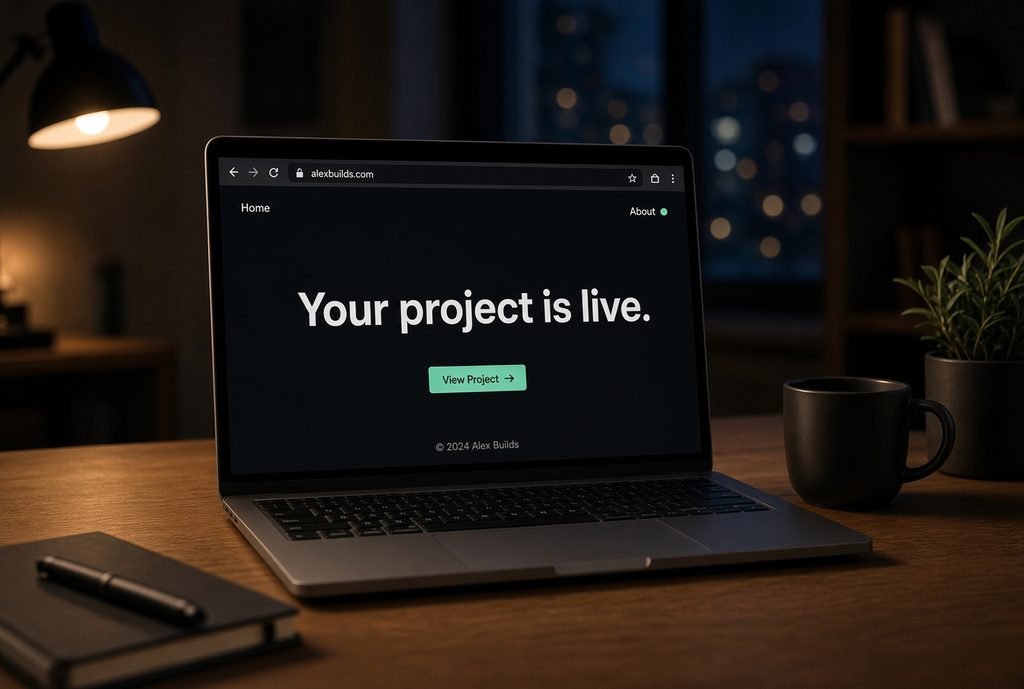
You’ve built something that works. It runs on your machine, does what it’s supposed to do, and you’re genuinely proud of it.
Then someone asks, “Is it live? Can I see it?”
And suddenly you freeze.
Getting a project online feels like a completely different skill from building it — like there’s a wall between “I made this” and “anyone can use this,” and you’re not sure how to get through it. So the project sits there, finished but invisible, while you keep telling yourself you’ll deploy it “once you understand it properly.”
Here’s the good news: deployment is scarier in your head than it is in practice. This post breaks down why it feels so intimidating, and why the reality is much smaller than the fear.
Why This Step Feels So Different From Everything Before It
Up to this point, almost everything you’ve learned has lived entirely on your computer. You write code, you run it, you see the result immediately. There’s no unknown in between.
Deployment introduces unknowns for the first time:
- A computer you don’t control, running your code
- Settings and files that need to match between your machine and that computer
- The very real fear of doing something wrong in a way you can’t easily undo
None of this means deployment is genuinely hard. It means it’s the first time you’re dealing with a system slightly outside your direct view — and anything outside direct view feels bigger than it is.
The 3 Things That Make Deployment Feel Hard (And Why They’re Smaller Than They Look)
1. Choosing a host feels like a huge, high-stakes decision.
It isn’t. For a first project, almost any beginner-friendly host will do the job. You’re not locking yourself into a permanent choice — you’re picking somewhere to practice the process. Switching later, if you ever need to, is far easier than people assume before they’ve done it once.
2. “Config” and environment differences sound technical and scary.
In practice, this usually just means: telling the host what your project needs to run (which language, which packages) so it can set up an environment that matches your computer closely enough. Most beginner-friendly hosts handle the bulk of this automatically — you’re filling in a short checklist, not writing a manual from scratch.
3. “What if I break it?” feels like a real risk.
This is the fear that stops people the longest, and it’s the least justified. Your original project still exists safely on your computer. Deploying a broken first attempt doesn’t damage anything — it just means you try again, usually in minutes, not hours. There’s very little here you can’t undo.
What Deployment Actually Involves for a First Project
Stripped of the scary language, a first deployment usually looks like:
- Pick a simple, beginner-friendly place to host your project
- Tell it a little about what your project needs to run
- Send your project files there
- Visit the link it gives you and see your project live
That’s it. It’s closer to “filling in a short form and pressing a button” than “configuring a server from scratch,” especially for a first, simple project.
Your First Deployment Doesn’t Need to Be Good — It Needs to Exist
This is the mindset shift that matters more than any technical step.
Beginners often wait to deploy until the project feels “ready” — polished, complete, worth showing off. But the goal of your first deployment isn’t to impress anyone. It’s to go through the process once, so it stops being unknown.
A simple, slightly rough project that’s actually live teaches you more than a polished project that’s still sitting on your laptop. Once you’ve deployed something small, deploying the next thing — and the thing after that — gets dramatically easier, because the unknown part is gone.
FAQ
Do I need to know about servers to deploy my first project? No. Most beginner-friendly hosts handle the server side for you — your job is mainly telling it what your project needs, not managing the underlying machine.
What if I deploy something and it doesn’t work? That’s a normal part of a first deployment, not a sign you’ve done something wrong. Your original project stays intact on your computer, and fixing a failed deployment is usually quick.
How long does a first deployment actually take? For a small, simple project, often well under an hour once you know the basic steps — most of the time beginners spend is hesitating beforehand, not doing the actual deployment.
What to Do Next
Understanding why deployment feels harder than it is gets you past the biggest obstacle — the fear that stops people from starting. The next step is walking through an actual first deployment from start to finish.
The full From Zero to Deployed guide takes you through that process step by step, so your first live project happens with a clear path instead of guesswork.